Can you cancel an exploration?
Explore Squads start from Makema. You choose a duration (30 minutes, 2 hours or 8 hours) and a difficulty (Normal, Hard or Nightmare); Favorite units add 1.5× power to the squad. The community wiki describes the countdown and the Claim step but no cancel or recall button, and I found no video showing one.
What that means in practice: units on an exploration are tied up until it ends, and they cannot be used as evolution sacrifices (Enuma Elish refuses an Enkido that is out exploring). If you might need a unit, send it on the 30-minute run.
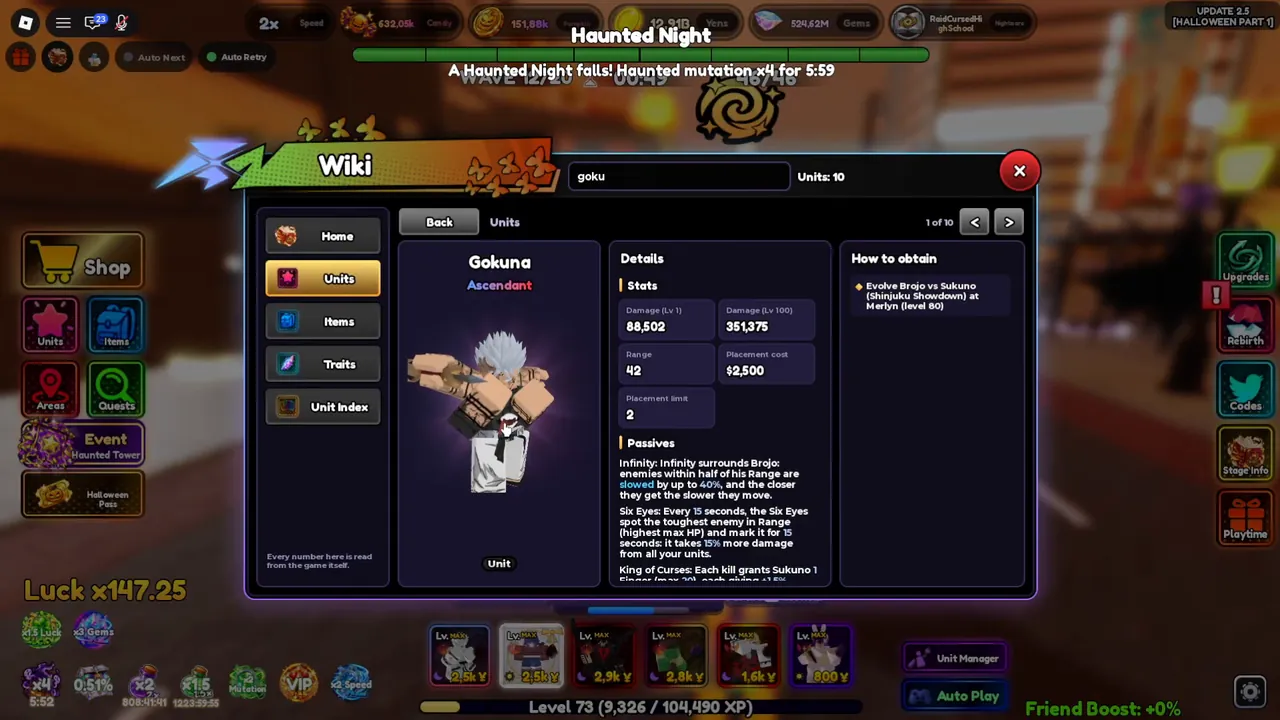
Auto settings
| Setting | What it does |
|---|---|
| Auto Start | Repeats the stage you just played |
| Auto Next | Moves to the next act after a win |
| Auto Retry | Retries after a loss |
| Auto Play | Places units automatically in battle |
| Auto Replay (all modes) | Added in Eminence in Shadow so every mode can be farmed AFK |
Since the 22 Nov 2026 patch, Auto Next and Auto Retry show as icons with a green dot when they are on.
Auto Sell and Auto Delete
- Auto Sell Below: type a rarity threshold as 1/N; rolls more common than that are sold. 0 turns it off.
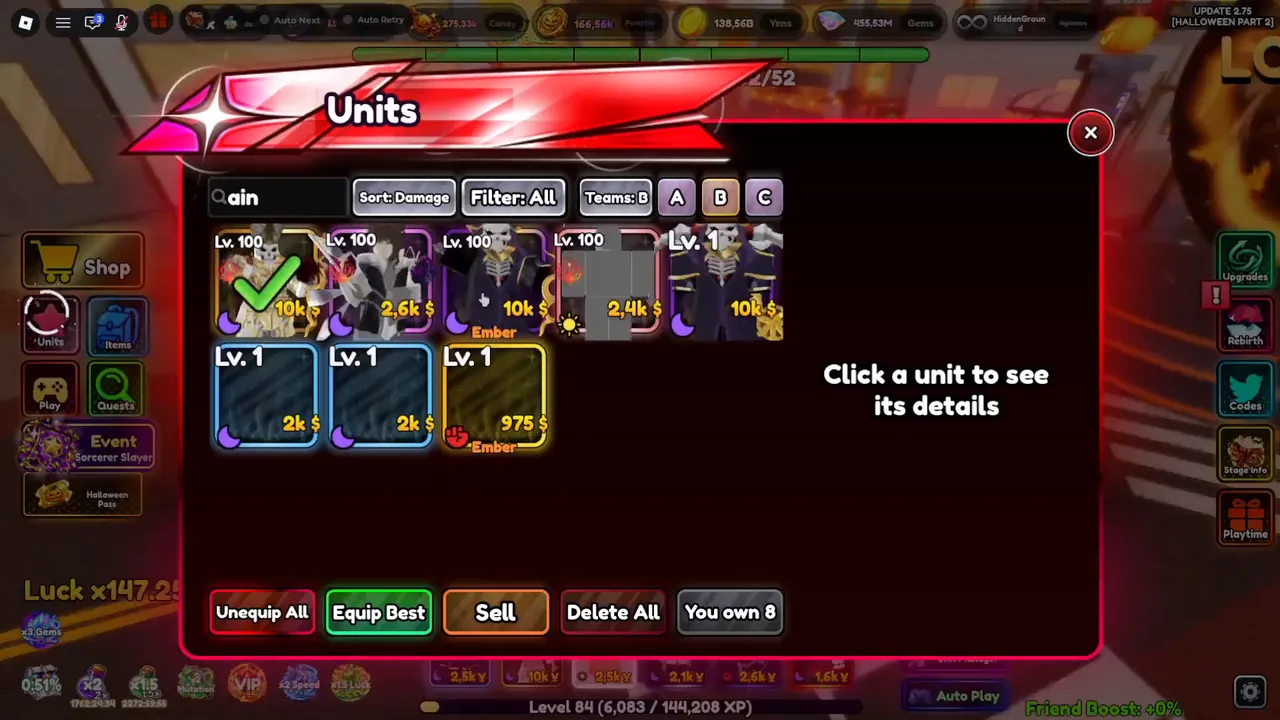
- Protected from Auto Sell: units with a mutation, Secret or better, and the first copy of any unit you roll.
- Separate tabs for Shiny, Gates and Pumpkin rolls. Shiny Auto Sell skips Limited and Ascendant; Secret Gate rolls are never sold.
- Auto Delete is offered next to Auto Sell when you choose rarities; the wiki mentions it in one line, so the exact menu may differ.
Stopping a match and equipping titles
- Stop Match: Settings → Match → Stop Match, then press STOP twice to confirm.
- Titles: owning a serialized unit grants its title automatically within about two minutes, without rejoining. Best-time titles also come from the guild Week Stage.
- Settings are grouped into All, Match, Auto, Miscellaneous, Graphics, Gameplay, Audio, Keybinds and UI Scale, and the search box finds a setting by name.
FAQ
How do I cancel exploration in Anime Nexus RNG?
No documented cancel button exists; the Explore panel counts down and you claim when it ends. Use the 30-minute run if you may need the units.
Where is Auto Delete?
Next to Auto Sell, where you pick which rarities to remove.
How do I equip titles?
Serialized units grant their title automatically within about two minutes; guild Week Stage times also award titles.
How do I stop a match?
Settings → Match → Stop Match, then press STOP twice.
Sources
- animenexusrngx.wiki – settings — dated 16–19 Nov 2026, read 26 Nov 2026
- animenexusrngx.wiki – unit management — dated 16–19 Nov 2026, read 26 Nov 2026
- animenexusrngx.wiki – exploration — dated 16–19 Nov 2026, read 26 Nov 2026
- animenexusrngx.wiki – cosmetics — dated 16–19 Nov 2026, read 26 Nov 2026
- PheeKah! on YouTube: “Luffy Gear 5 (Ascendant) | Anime Nexus RNG X” — uploaded 2026-11-22, watched 26 Nov 2026